Why Paseo is my daily driver
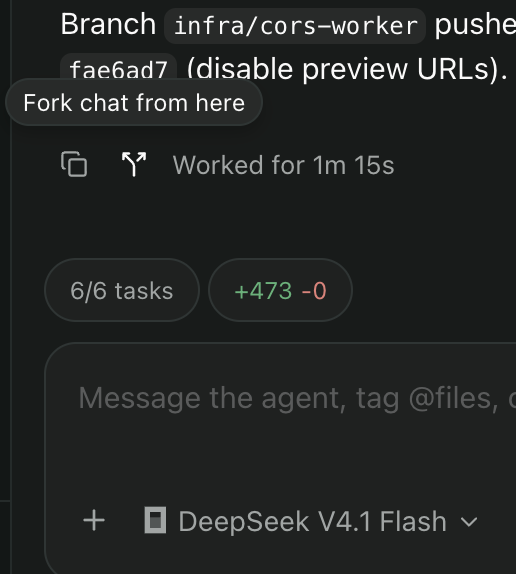
There is no shortage of agentic workspaces these days. I do really love how there are so many different takes on the problems and solutions. Ah, open source, and the beauty of choice! In some of my recent posts, I have been on a quest to find functional AI orchestration web front-ends for my use, and it's sort of impossible to keep track of all the new ones that are always coming into existence. Several were probably birthed while I was writing the sentence. For me, Paseo has the right balance of features (that actually work). It empowers me, gets out of my way, and is easy to access across all my devices/platforms. The project is live and kicking with thousands of stars, open discussions, and tickets. I have spent the last few months using Paseo as my coding operating system, so I am familiar with all of its functionality and quirks. Here is a list of reasons (in order of importance to me) why Paseo has been my favorite tool. All my projects and sessions are there. All the time. If the agents are not running, they are essentially conversations ready for me to continue on whenever I am ready. No more need to start the IDE and get reacquainted with what I was doing. No Terminal/Tmux connection needed. This is what the web was made for. The context is literally all there, ready to go, like I never left. It's like my Firefox, with 100 stateful tabs. I can dive into an old topic right wherever I left off when I am ready. I use it several times a day. I'm not sure what I would do without this superpower. When evaluating a plan the LLM often tells me things to be aware of, or what will bite me later outside of the topic of what I am currently working on. Sometimes I will have it write that to a ticket to pick up later. But it's even easier to have it fork off the conversation into a new session and pick that new subject up right then and there. I use these for other side quests all the time. It's also the only way I know of to switch agents midstream. You can switch models in the same session, but if you need to switch from Claude to Opencode, that won't work unless you fork. Maybe I'm missing the point, but most of these services ship with a control plane, or some kind of middleman service to help with remote access. These additional processes mostly get in my way. I particularly don't like T3's solution, which relies on a hosted broker with account limits. I would prefer to manage my network how I like. Tailscale gets this job done on its own without hand-holding. This is something most of these projects fail at. When I try a new project that has web terminal support, this is the first thing I check. Along with how the keyboard special keys work. Suffice to say, none of them work out of the box (like no one bothered to check), except Paseo. Continuing my theme of Paseo impressions - things just work. I'm not filing a bug report within 10 minutes of trying it. No surprises. While I rely less and less on terminals when working with agents, dependence on worktrees has made these integrated terminals particularly important. This is because finding where that worktree directory is not always easy, and just starting the in-session terminal solves that and more if you use the integrated Paseo worktree hooks. This is just not an assumption most client/server architectures support. And I have been very pleasantly surprised that Paseo handles this so well, because my server and phone may be running different versions - forward or behind. This is one of those features I took for granted until I was setting up T3 and found that it was not so forgiving. I had to do some serious gymnastics to keep them in lock step. I do a lot of work while on a train with a spotty connection as I go in and out of tunnels. Sure, the server can't respond in those cases, but many of these services halt the client entirely in this case. This is completely unnecessary and bad UX. Claude Web is particularly bad at this. Not only does a weak connection cripple the client, it also affects the server. If the agent is plugging away and my connection drops it can mess up the server side process as well. This should not be an issue. When I fire off a prompt I should be able to close my phone and come back later to see what happened on the host. In Paseo, the page stays open where I can review all the discussion from the running session, and more importantly, type into the message box. Then when the connection is up, the server will get it. I don't need to wait for a full connection before even starting to type. This is a simple thing for any productivity app to get right. I have Paseo set up across operating systems, architectures, agents, models. I can quickly point my client to a series of hosts in my Tailscale and immediately get going. Onboarding is a snap and this is important for me since I work from many devices (home desktop, work laptop, phone, tablets). After spending months with Paseo as my primary driver, I can't help but notice the quirks that bite me here and there. Here are some current ongoing issues/discussions that are important to me. Though I'm pretty sure they will work out over time.It gives me a stateful workspace for all ongoing work
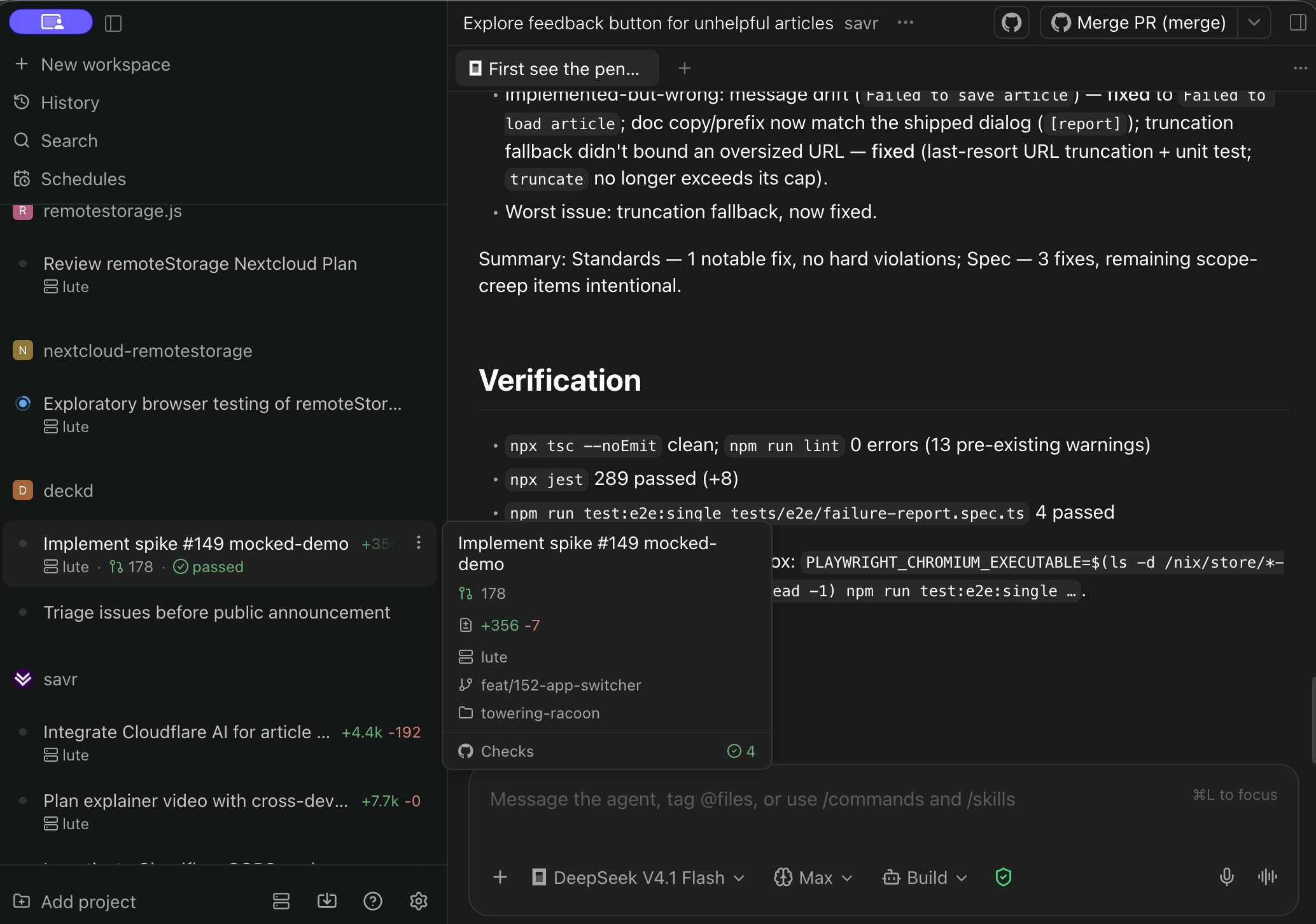
Forking is amazing!
Authentication is simple
The terminal and scrolling actually works on mobile
Client/server version mismatches gracefully degrade
Low connectivity, no problem
Multi-host support works great
npx gets you 95% there. NixOS is my main driver, which can be complex for new services, but this simple base service does not need a bunch of special architecture to get going.Room for improvement